
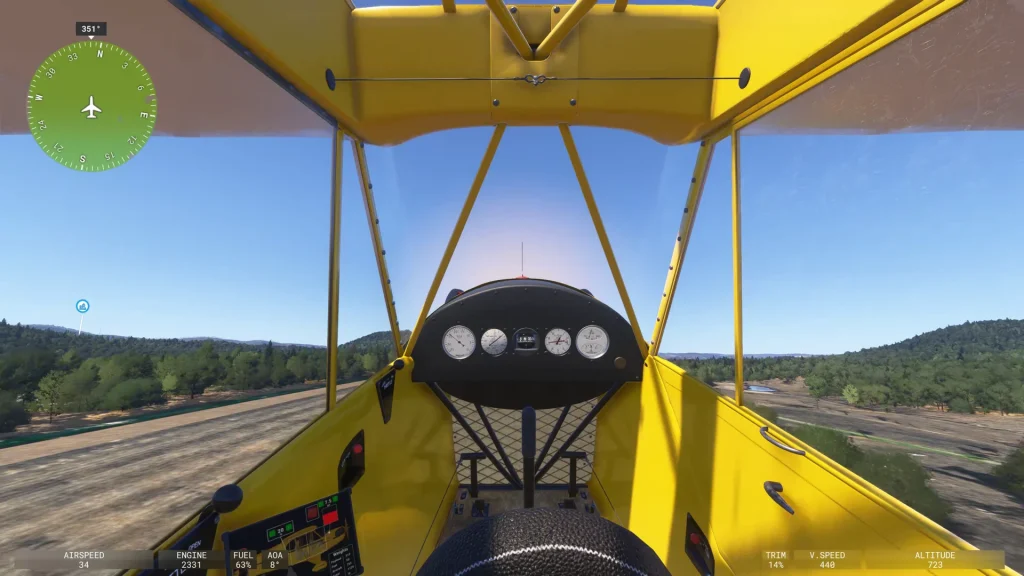

The key bindings, sensitivity settings, and add-on behavior described here are specific to Dale’s hardware and software versions. Treat them as examples of the kind of adjustments that help, not as universal settings. The stall and spin work at the end happened in a simulator, and we generally do not advise practicing stalls and spins in a home flight simulator, since the flight dynamics can differ drastically from the actual aircraft. Real spin training belongs with a flight instructor in an actual airplane, flown according to that aircraft’s approved procedures.
Overview
Dale flies a Piper Cub in the real world, hopping field to field around his home area. He has built a home sim setup to match both the Cub, as well as a Beechcraft Baron.
His instructor for the session was Jordan Gottfried (CFI, CFII, MEI). Jordan manages a full 737 simulator and two F-16 setups and instructs at the Air Force Academy Aeroclub. The hour ran like a maintenance call that gradually turned into flying. Jordan worked through a punch list Dale had sent ahead, then ended up coaching a stall and a spin once the controls were behaving.
Sending Flight Plans from ForeFlight to X-Plane
Dale had long wanted to push a flight plan he built in ForeFlight straight into X-Plane. In his real airplane he can send a plan to the GTN 750 the same way. Seeing his own position on the moving map was already easy to switch on. Transferring an actual route was the harder part.
Jordan pointed him toward an iPad app called FlightStreamX. It runs around nine dollars and is designed to send a ForeFlight flight plan into X-Plane (it requires X-Plane 12 or newer).
Clearing Out Nuisance Startup Pop-Ups
Next on the list was a cluster of notifications that had been greeting Dale every time the computer booted, for a couple of weeks running. He had held off on touching them rather than risk breaking something.
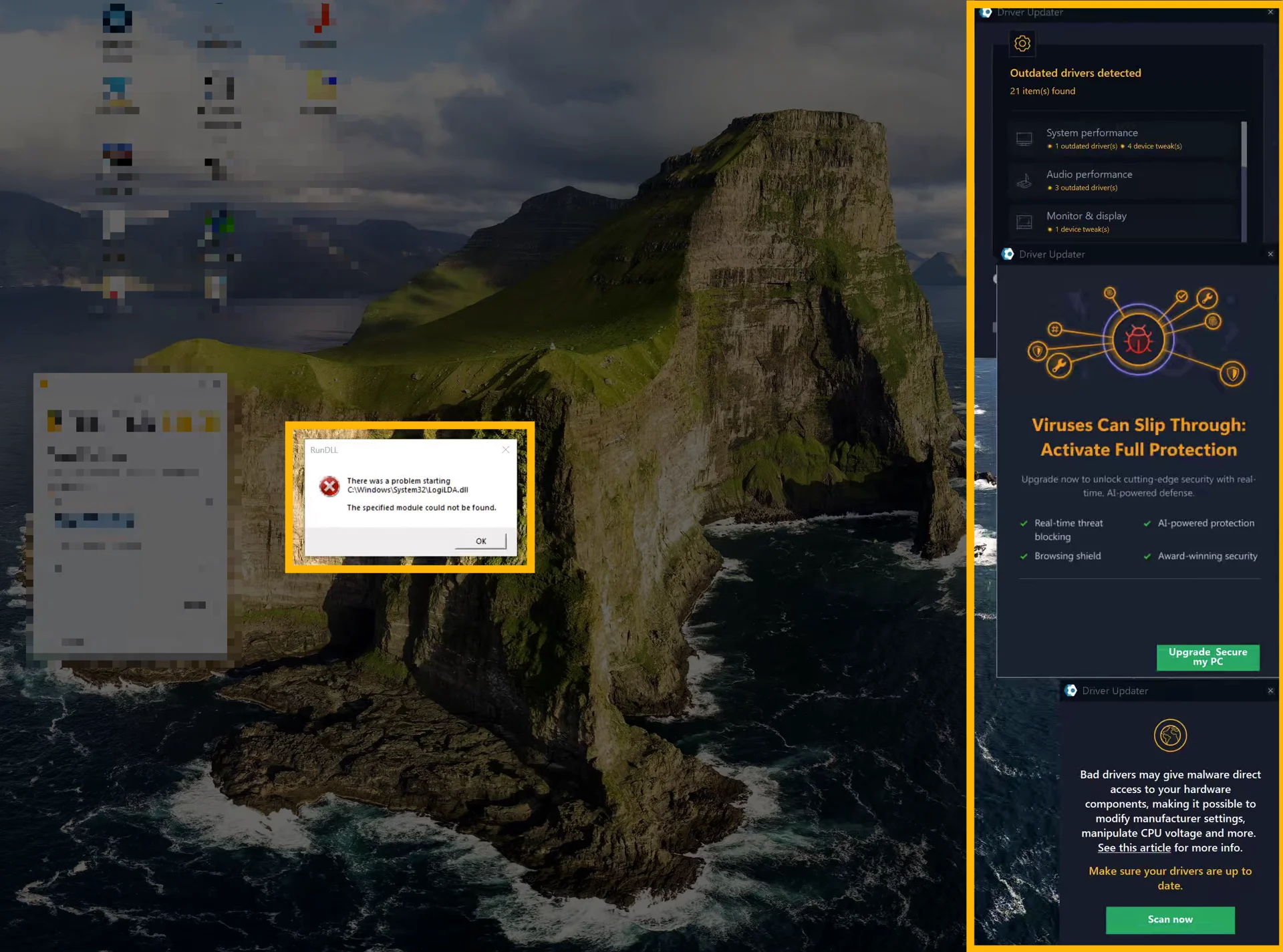
The main culprit was a third-party driver updater, and Jordan told him to uninstall it. These tools sometimes do an acceptable job. But they tend to pile on bloatware and poke at the Windows registry, which can create stability problems over time. On a simulator PC, where you want predictable performance, an always-running utility like that is more risk than benefit.
They removed it on the spot, along with a leftover Logitech download helper that had also been popping up. Both nuisance messages were gone.
Untangling a Rudder Conflict
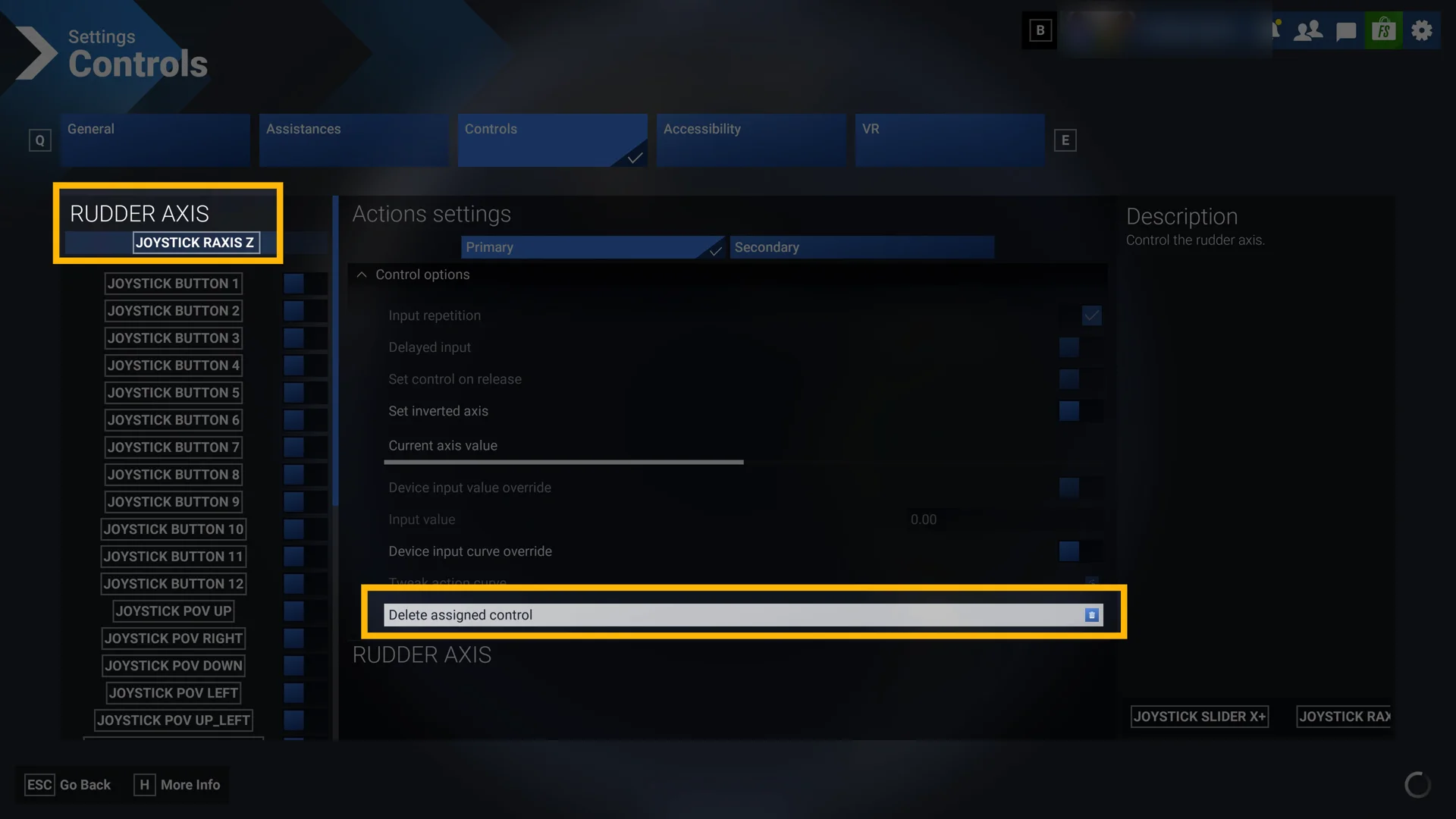
The rudder conflict started with a symptom Dale had noticed in the air. He had added an inexpensive set of rudder pedals to the Cub setup. But the twist-grip rudder built into his joystick was still active. While flying, he had watched the airplane rock back and forth on its own. At first he blamed the wind, but it kept happening on calm days, which pointed at the controls rather than the weather.
With a twist-grip stick, it is hard to roll in aileron without twisting the grip a little. That twist feeds in rudder you did not ask for.
Two devices were fighting over the same axis. The cure: remove the rudder assignment from the joystick so the pedals are the only thing controlling rudder.
The full report continues in FSC Pro
Members get every session report — real lessons from real 1:1 coaching sessions — plus the full FSC Pro library.
Already a member? Continue reading in the portal →
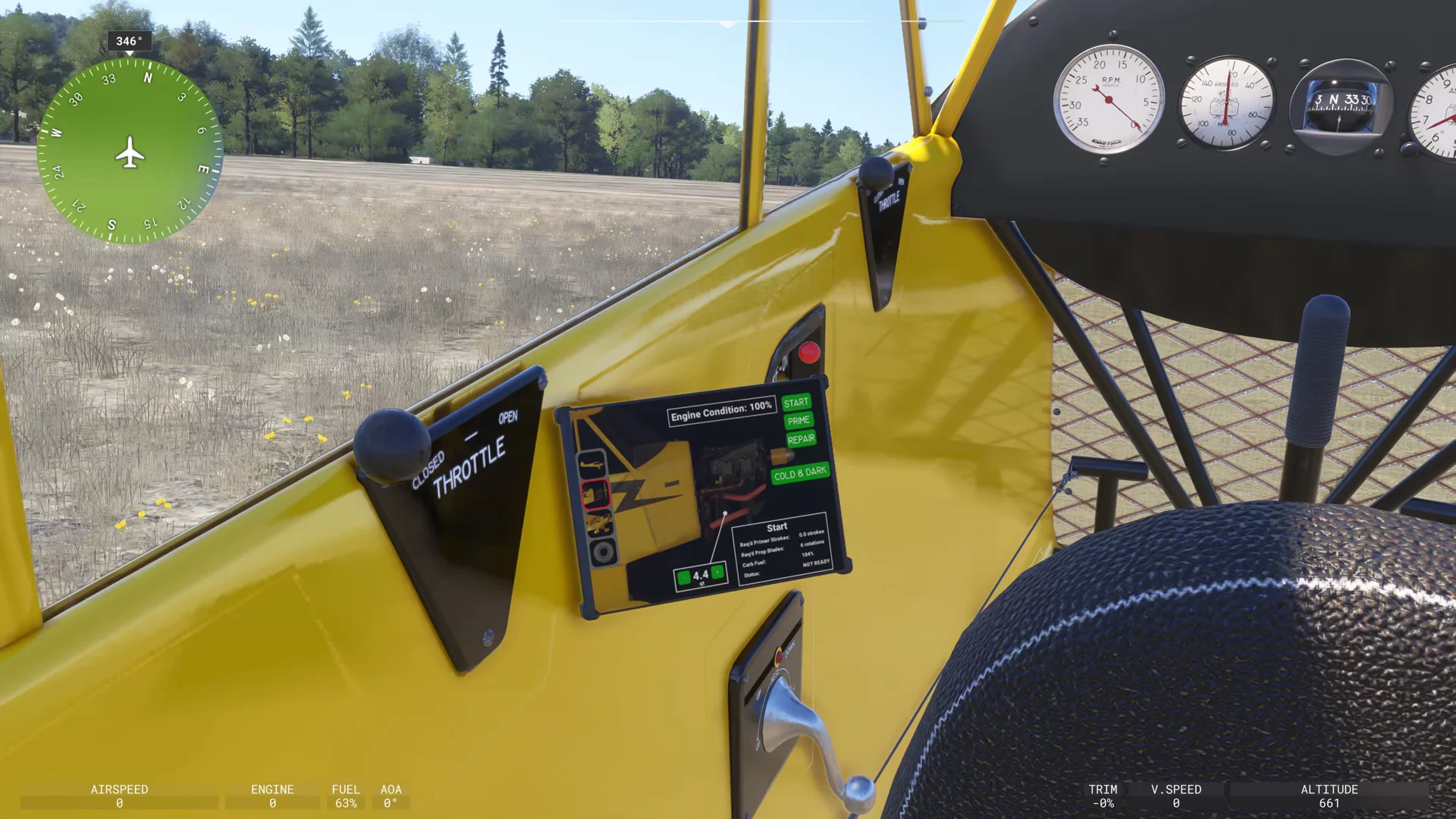
Based on a real Flight Sim Coach coaching session, used with the client's consent. The client's name has been changed.


