
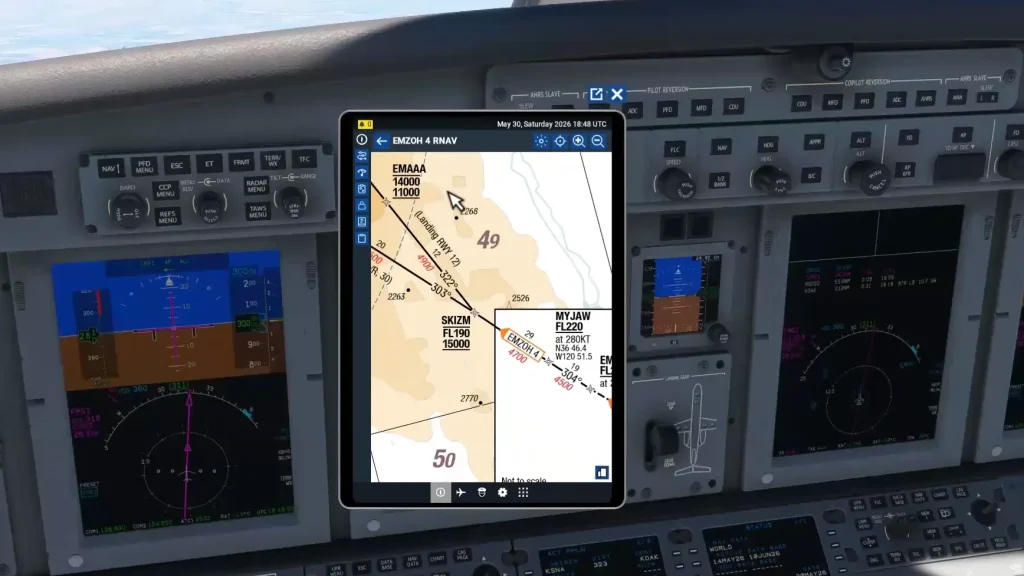
This session covers aircraft-specific procedure, the Collins Pro Line 21 avionics suite, and commercial (Part 135) operating rules, flown in Microsoft Flight Simulator 2024. The charts, restrictions, and numbers here are for a training exercise and should not be used for real flight. Always work from current official sources for your own aircraft, including the POH and the avionics pilot’s guide, and current charts for any procedure you intend to fly.
A pilot getting back into the system
Dale wanted to knock the rust off. He is an experienced pilot with real turbine time and more than one jet type rating under his belt. But he had been away from active flying for a stretch, and many parts of the job started to fade.
His main worry was the IFR environment itself: the radio work, the procedures, and the rhythm of a typical instrument flight in busy airspace. It had been a long time since he had done any of it in real time.
He described his pattern. Over the years he had studied several different aircraft intensely, each for a short window. He passed the checkride, then moved on to the next type without ever staying in one cockpit long enough to get truly comfortable. The result was a broad base of knowledge spread thin. He could get into an airplane, learn enough to be legal, and watch most of it slip away once he stopped flying it.
The simulator lets him rehearse the procedures as often as he likes without the cost or the schedule of the real aircraft.
Even if you never plan to fly a jet for a living, there are great takeaways in this session for your own instrument flying.
His instructor for the session was a Flight Sim Coach instructor we’ll call Ray, an experienced instrument instructor and professional pilot. Rather than throw a complex scenario at a rusty pilot, Ray built from the ground up. Start with the basics of an IFR flight, get the airplane flying, and layer the procedures, callouts, and crew work back on top one piece at a time. ATC through PilotEdge was left on the table for a future session. The priority for this one was getting back into the flow of an instrument flight, from planning to descent.
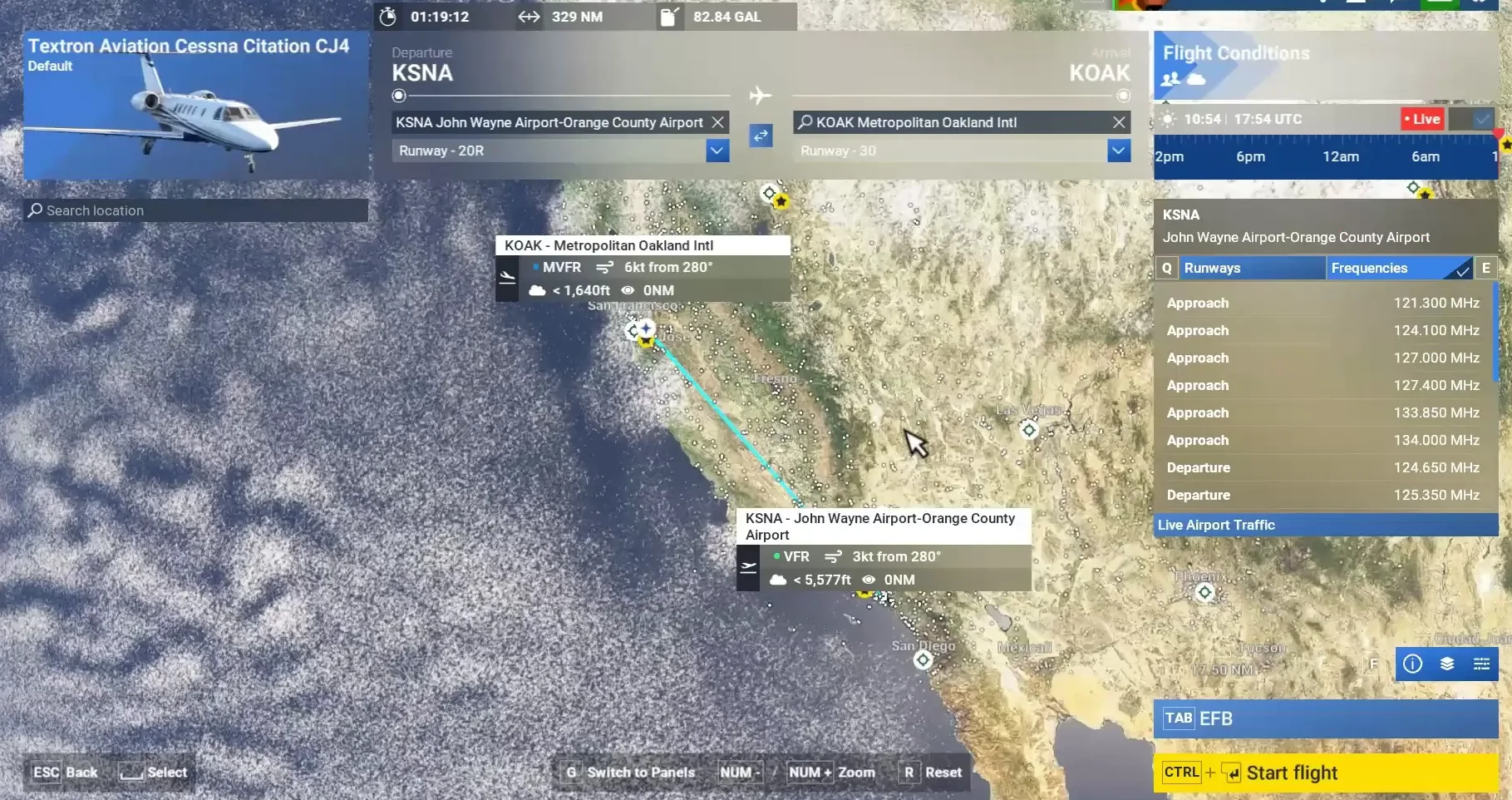
The aircraft was the Cessna Citation CJ4 in Microsoft Flight Simulator 2024. It was chosen because its Collins FMS and two-crew workflow are close enough to the equipment Dale flies in the real world to make the practice transfer. The route was a realistic one for a light jet: Santa Ana (KSNA) to Oakland (KOAK). It was short enough to fit a full IFR profile into the session without a long cruise segment.
Setting the airplane up before the wheels move
The work started on the ground, in the electronic flight bag (EFB). Before entering the cockpit, Ray walked Dale through the EFB’s weight and balance and performance pages. They used the quick-fill option to set passengers and cargo to fifty percent, then looked at fuel.
Ray estimated the leg would need roughly two thousand pounds. They loaded around three thousand, leaving comfortable reserves, then bumped the taxi fuel up slightly. He also set the takeoff and landing flap settings on the performance pages.
Ray pulled a realistic routing and they entered it piece by piece: the departure out of Santa Ana, an en route waypoint, the arrival into Oakland, and the ILS to runway 30. He had Dale switch the plan from the default VFR routing the simulator had selected over to IFR.
Then he sent the completed plan to the FMS, so the avionics would all be working from the same flight plan. They chose runway 30 at Oakland to match the winds and the usual jet flow, and set a cruise altitude of flight level 300.
The full report continues in FSC Pro
Members get every session report — real lessons from real 1:1 coaching sessions — plus the full FSC Pro library.
Already a member? Continue reading in the portal →
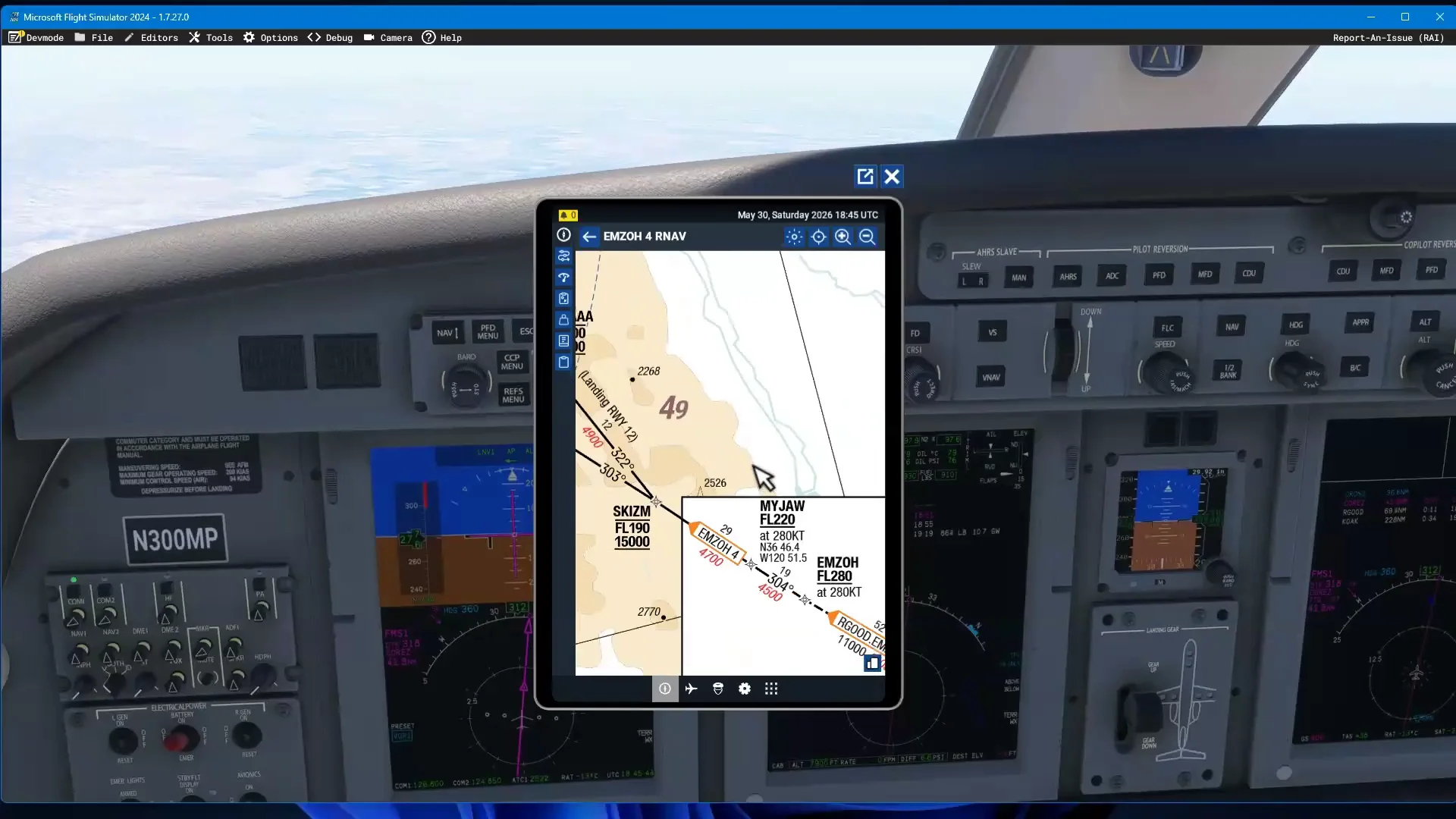
Based on a real Flight Sim Coach coaching session, used with the client's consent. The client's name has been changed.


