Career Mode in MSFS is only available at specific airports. Here’s how to find them:
- Open the globe view in Career Mode
- Look for white dots on the globe – these indicate valid Career Mode starting airports
- Zoom in to your desired region to see available airports more clearly
- Select your starting airport directly from these visible options
In other words, instead of typing an airport identifier first, check the available airports in your desired region using the globe view. A common mistake is to try selecting an unsupported airport and not seeing a way to progress or select the airport.
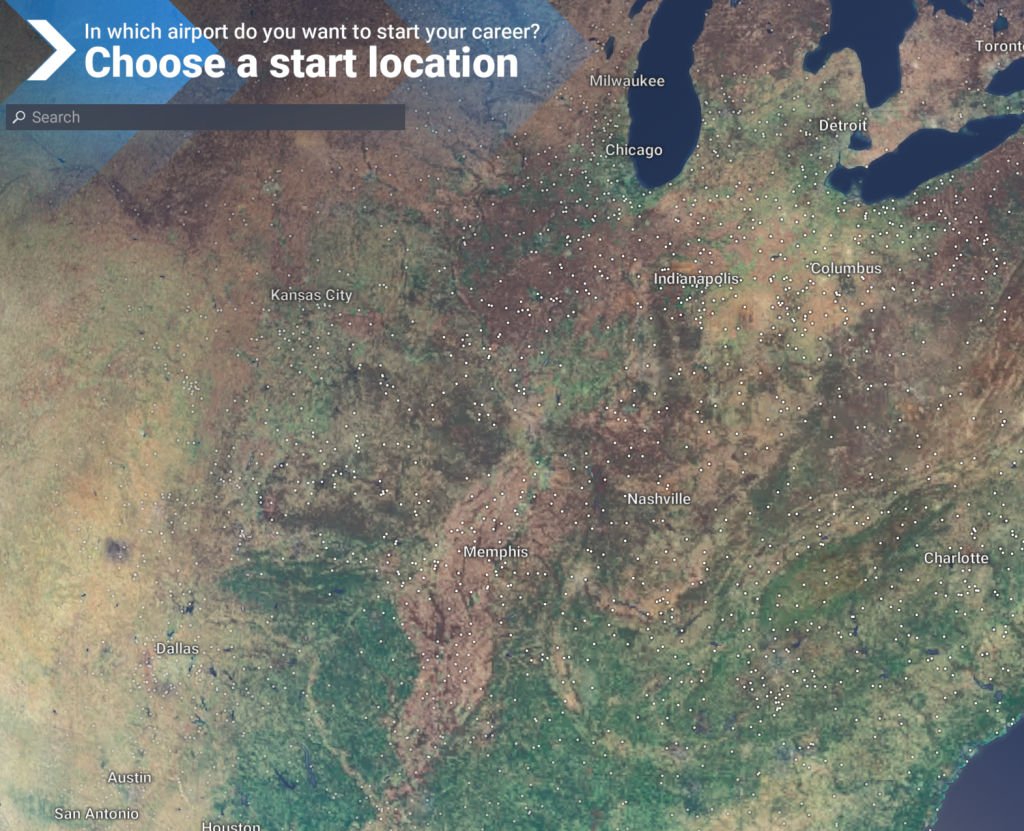
Remember: If your preferred airport isn’t showing as a white dot, it’s not currently supported for Career Mode starts. You’ll need to choose from the available options shown on the globe.
Master MSFS 2024 Quickly
Skip the confusion and get straight to flying with our focused, no-nonsense introduction to MSFS 2024.
Learn More